

Receive Messenger Conversations
Manage customer messages sent to your connected Facebook Page through PluginChatBot.
Bring Social Messages Into One Inbox
Manage Facebook Messenger and Instagram conversations alongside your website chats. Bring customer enquiries into the PluginChatBot inbox, maintain conversation context and help your team respond without constantly switching between platforms.
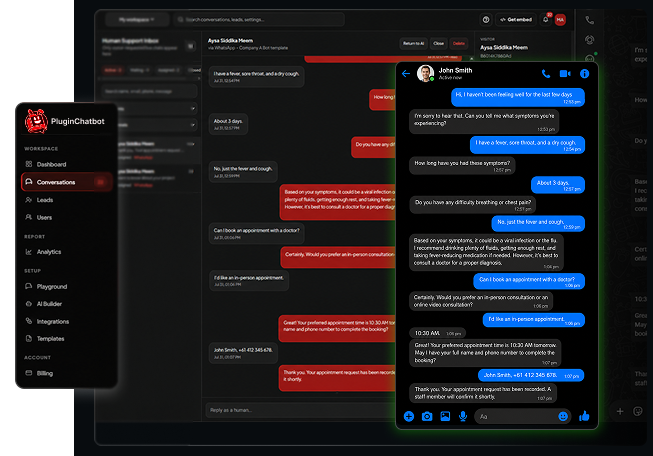





Follow our step-by-step video to connect your Facebook Page and Instagram account, so Messenger and Instagram messages arrive in the same PluginChatBot inbox.
Make Social Conversations Easier to Manage
Many customers prefer contacting businesses through Facebook or Instagram. The PluginChatBot Messenger and Instagram integration brings these conversations into a centralised workflow, making it easier for your team to manage enquiries and provide consistent support.
Manage customer messages sent to your connected Facebook Page through PluginChatBot.

Bring messages from your linked Instagram Professional account into the PluginChatBot inbox.

Review and respond to website, Messenger and Instagram conversations from one place.

Keep previous messages visible so your team can understand the enquiry before replying.
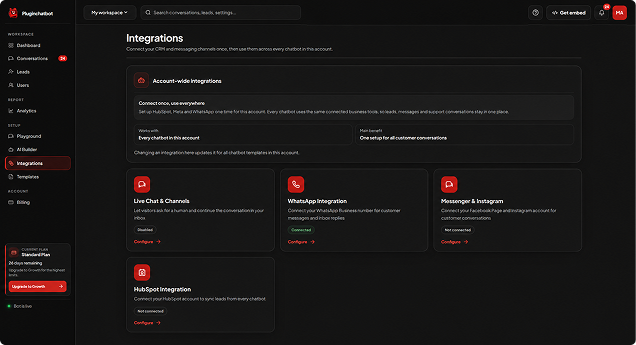
Easy Messenger and Instagram Setup
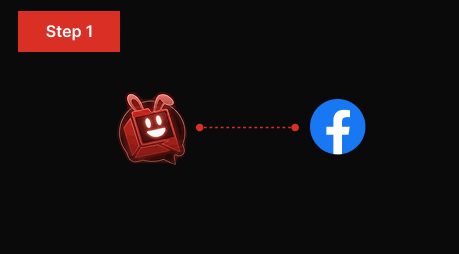
Connect an eligible Facebook Page to your PluginChatBot account and grant the required permissions.
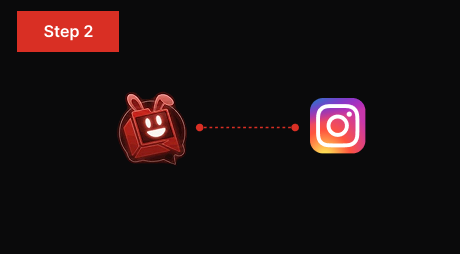
Make sure your Instagram Professional account is correctly linked to the connected Facebook Page.
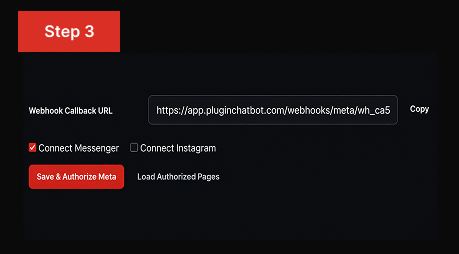
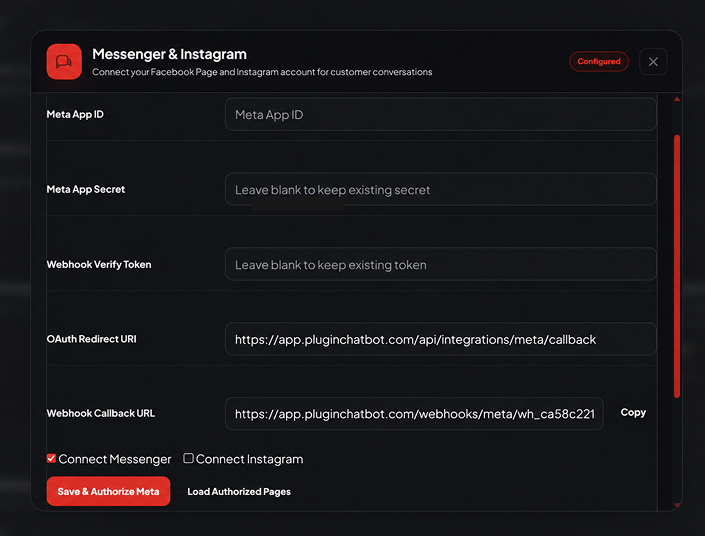
Complete Meta’s authorisation process and begin managing eligible Messenger and Instagram messages from the PluginChatBot inbox.
Collect Visitor Details for Follow-Up
Make it easier for your team to manage conversations from your website, Facebook Page and Instagram Professional account. Keep enquiries organised and respond through a centralised inbox.
Support More Social Media Enquiries
From first enquiry to ongoing support, keep the conversation going on the channels your customers already use every day.
Answer questions about your products or services and help interested customers take the next step.
Provide more information about product features, availability and suitable options.
Manage appointment questions, quotation requests and general service enquiries.
Continue support conversations while keeping previous customer messages available for context.
 What does the Messenger and Instagram integration do?
It brings supported Facebook Messenger and Instagram conversations into the PluginChatBot inbox alongside your website chats.
Can I receive Messenger messages through PluginChatBot?Yes. Messages sent to your connected Facebook Page can be received and managed inside PluginChatBot.
Can I manage Instagram messages through PluginChatBot?Yes. Messages from your linked Instagram Professional account are brought into the PluginChatBot inbox.
Can my team reply from the PluginChatBot inbox?Yes. Your team can review and reply to website, Messenger and Instagram conversations from one place.
Can visitors continue website conversations through Messenger or Instagram?Customers who prefer Facebook or Instagram can have those conversations managed alongside your website chats in one workflow.
 Will previous customer messages remain visible?
Yes. Earlier messages stay visible so your team can understand the enquiry before replying.
What type of Instagram account do I need?An Instagram Professional account linked to the Facebook Page you connect to PluginChatBot.
 What can businesses manage through this integration?
Sales enquiries, product questions, service requests and customer support across Messenger, Instagram and website chats.
Do Meta’s messaging rules still apply?Yes. Standard Meta messaging policies and eligibility rules continue to apply to Messenger and Instagram conversations.

